

Call Transcription
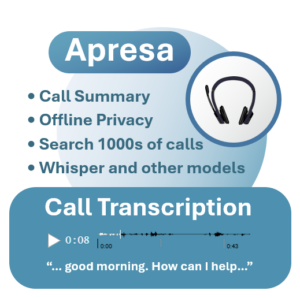
Perform an update and you can use the feature right away by switching it on from the transcription settings page.
You don’t need to send recordings over the internet to third parties to create transcriptions and summaries. Instead, you can install an offline transcription model on your own Apresa machine, and then transcribe thousands of calls without compromising privacy.
• AssemblyAI
• Deepgram Nova
• ElevenLabs Scribe
• Gladia Solaria
• HappyScribe STT
• OpenAI GPT-4o Transcribe Diarize
• OpenAI Whisper
• Speechmatics
• VoiceCrunch
• Voxtral Mini Transcribe
To get started, log on to Apresa. Go Transcription settings from the Options menu.
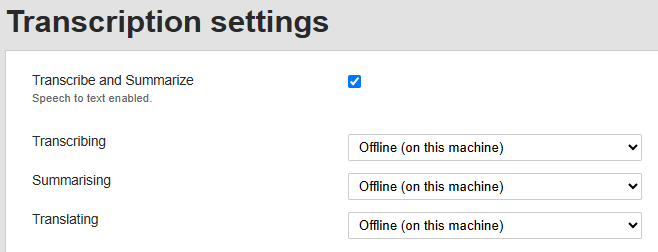
Check the Transcribe and Summarize box. On default, offline transcribing will be enabled. For Apresa Help on the topic, click on the question mark from the top menu.
Are you planning to use offline transcription for security and privacy reasons? When you order a new Call Recorder Apresa machine, we can preinstall a transcription model on the system before shipping. Feel free to request a quote.